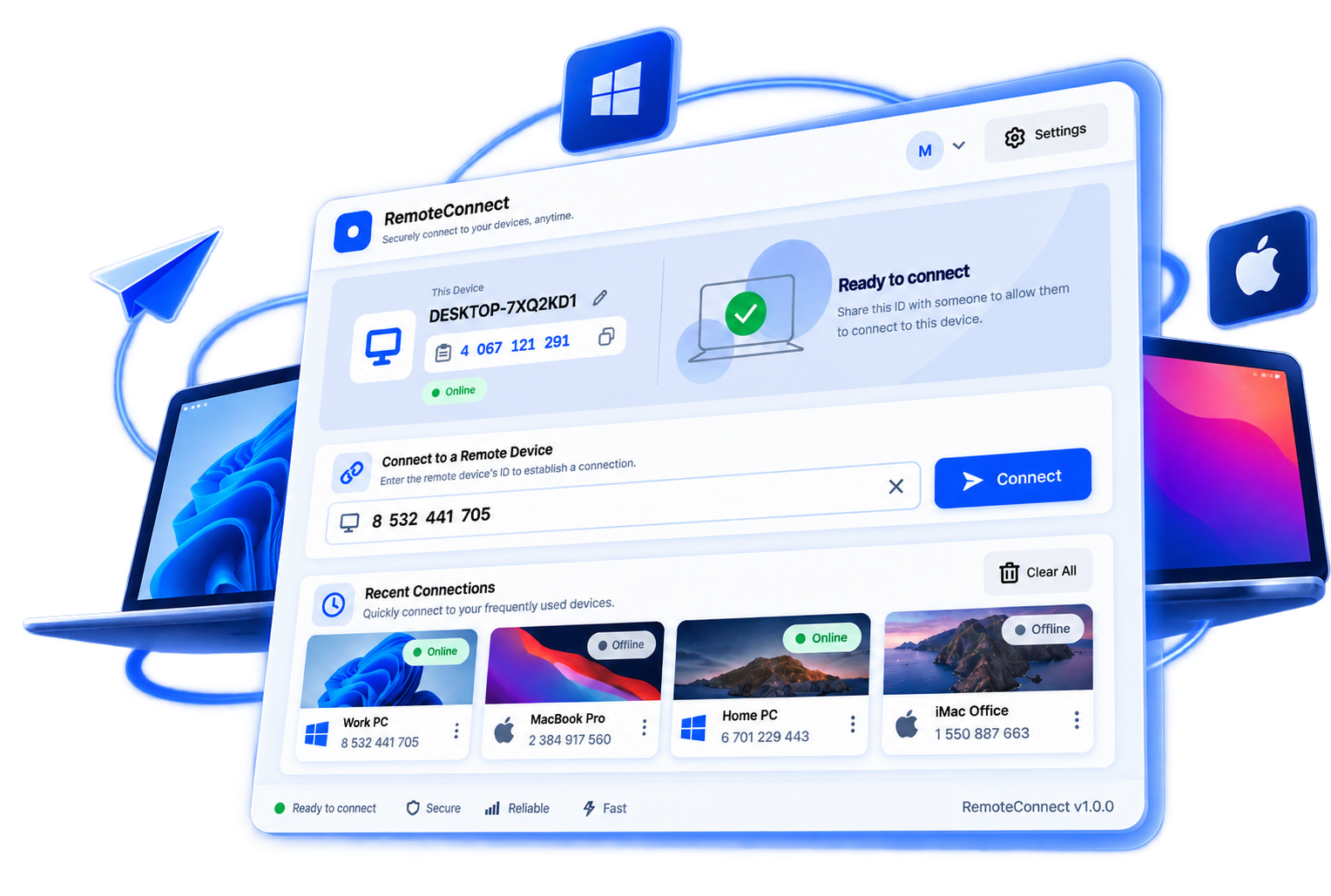
Full screen control
See the target's real screen and drive it with your mouse and keyboard, exactly like sitting in front of it.
Peer-to-peer · Low latency · No account required
RemoteConnect gives you full mouse-and-keyboard control of another computer's screen over a direct, encrypted WebRTC connection — with synced clipboard, live device presence, and nothing to configure.
Features
A focused remote-desktop tool that gets out of your way.
See the target's real screen and drive it with your mouse and keyboard, exactly like sitting in front of it.
Connections negotiate a direct peer-to-peer WebRTC path whenever possible, and fall back to relay only when a network requires it.
Copy text, images, or files on either side and paste them on the other — no shared drive, no email-to-self required.
Your Recent Connections list shows who's online right now, updated instantly — not on a slow refresh timer.
Every install gets its own device ID automatically. Share your ID, or type someone else's, and you're connected.
Every session runs over WebRTC's standard DTLS/SRTP encryption — control input and video are never sent in the clear.
How it works
Launch RemoteConnect on both computers. Each one is instantly assigned its own device ID — nothing to register.
Send your device ID to whoever needs to connect to you, the same way you'd share a phone number.
Type their ID in, they accept the request on their end, and you're viewing and controlling their screen in seconds.
Security
RemoteConnect's control channel is negotiated directly between the two devices wherever the network allows it. Video, input, and clipboard data travel over WebRTC's standard encrypted transport, and a session only ever starts once the person on the other end explicitly accepts your request.
Download
One exe, nothing else to install. Download and run it — that's the whole setup.
Windows 10/11 · 64-bit · No installer or admin rights required
Support the project
RemoteConnect is built and maintained independently, with no ads and no account required. If it's useful to you, sponsoring helps keep it that way — or just reach out to say hello.
Or email directly at marklibres345@gmail.com · marklibres.site